Presentations
As Adobe Flash was discontinued, new approaches were needed to create engaging training using existing tools.
I expanded PowerPoint’s capabilities to design interactive, visually rich presentations that go beyond static slides, creating a more engaging learning experience.
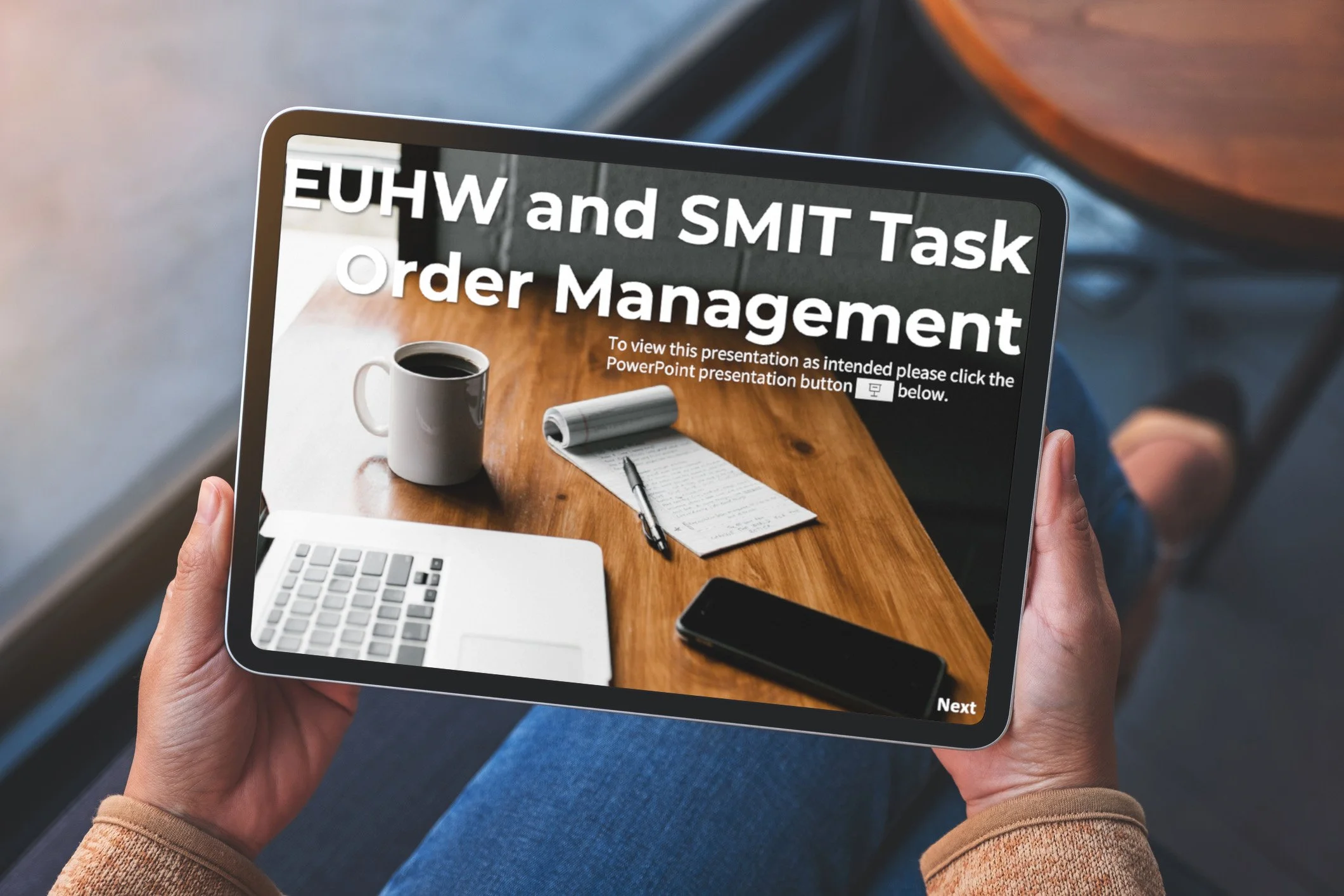
Task Order Management Presentation
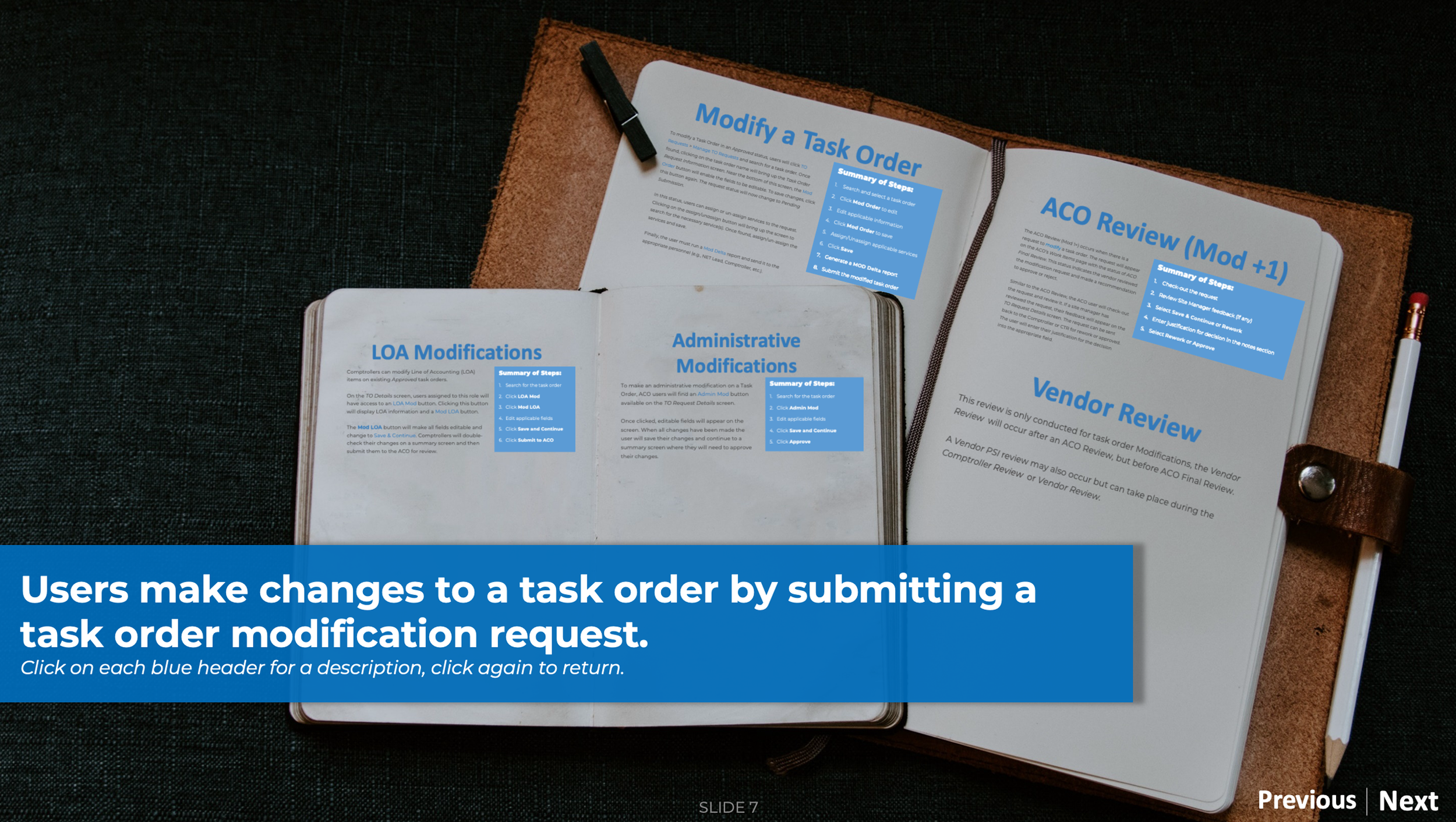
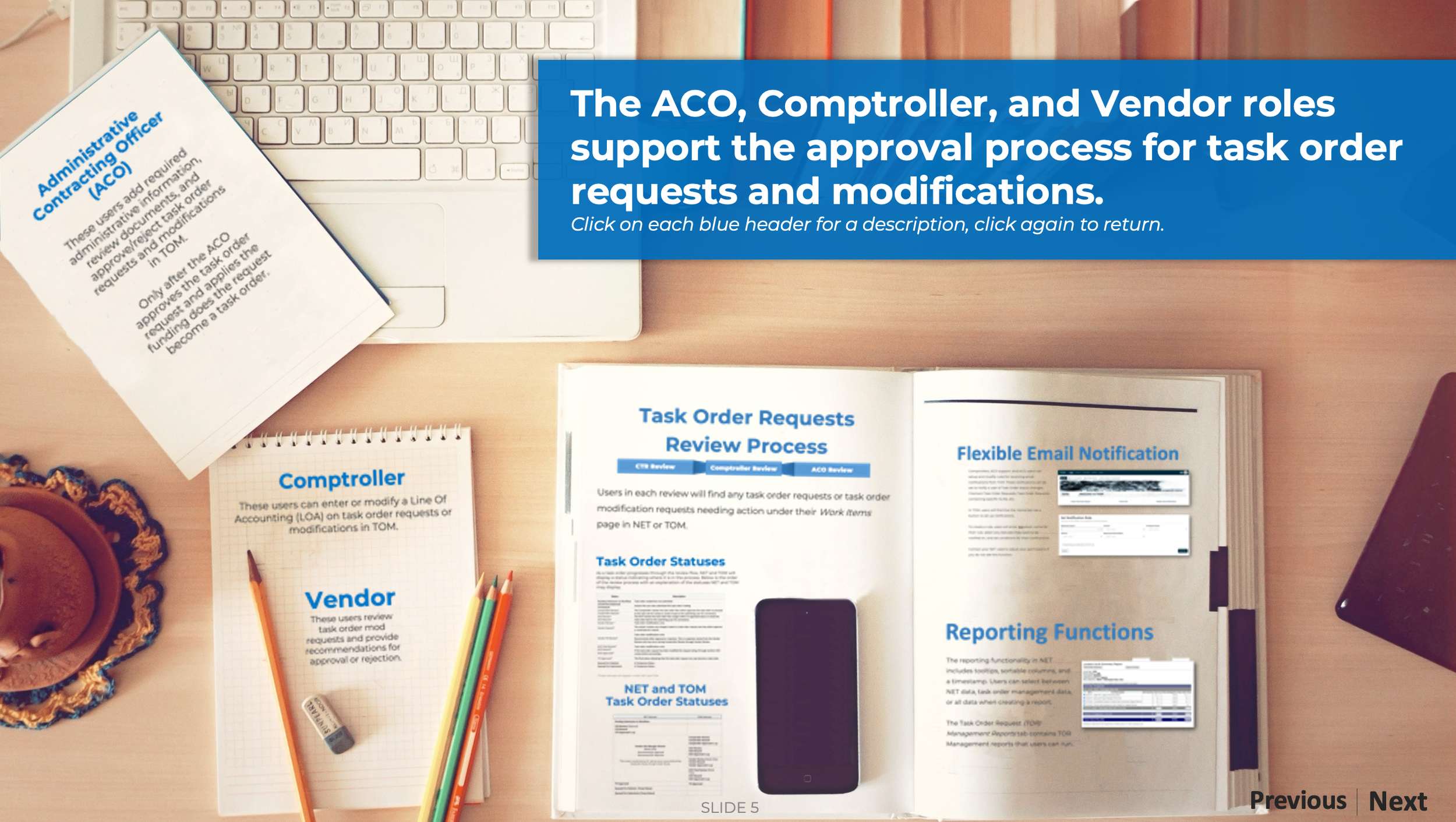
This presentation was designed to have a modern look and feel and avoid the pitfalls of a boring PowerPoint presentation.
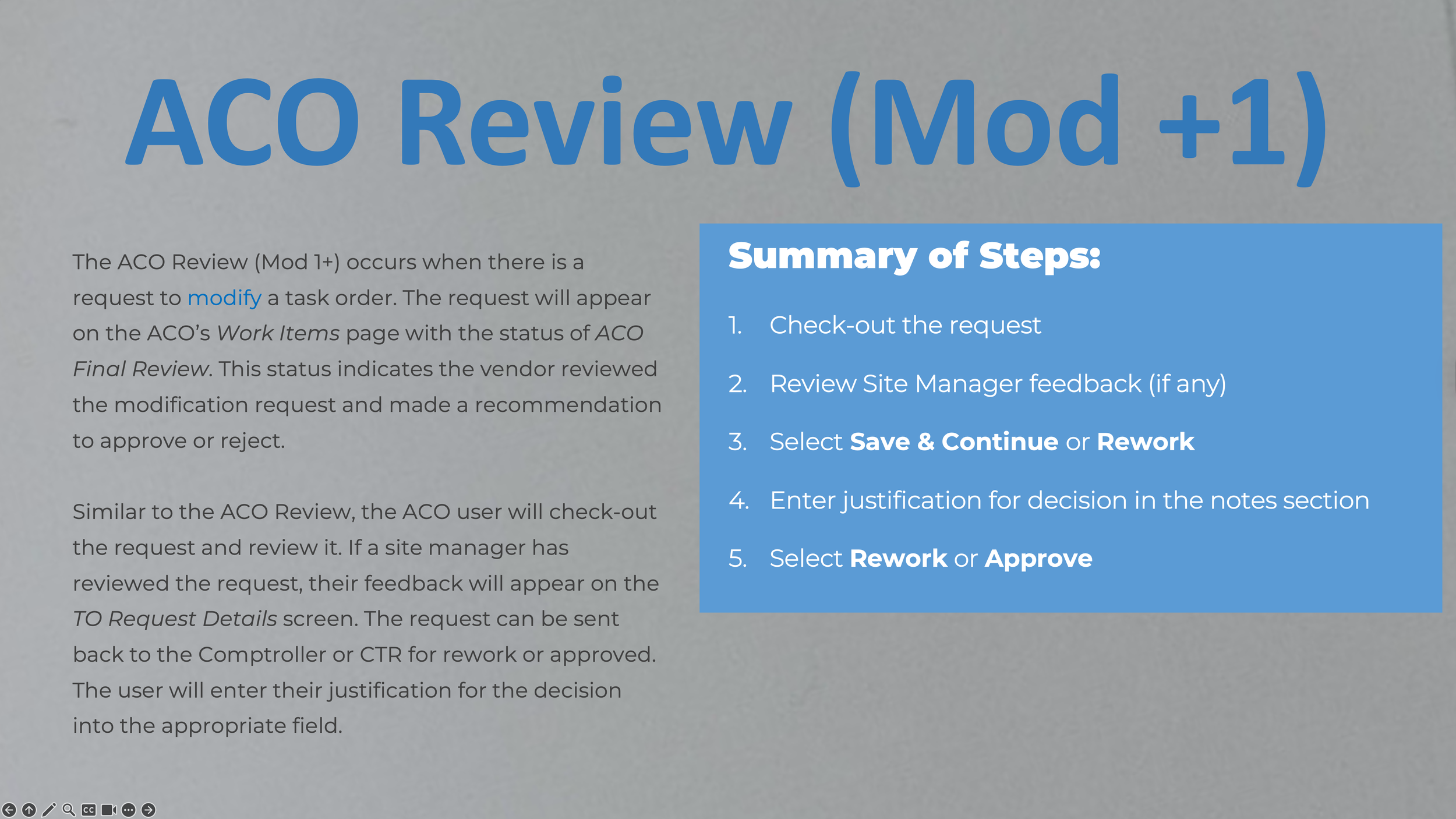
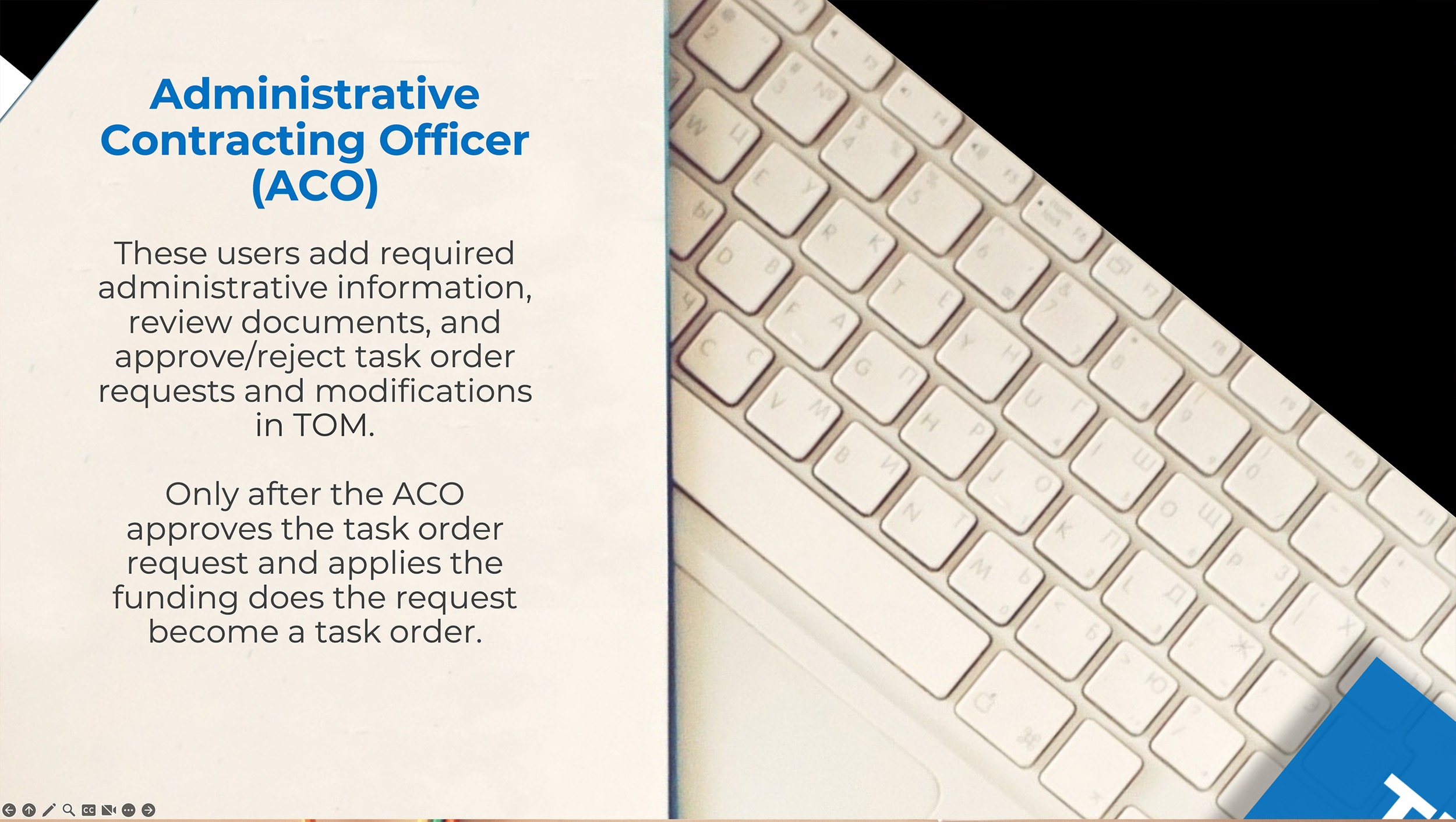
The information was distributed across different locations within the image, enabling the users to engage with the content. The user could click on each section and zoom in to view the contents and then move on to the next slide.
CTR Fundamentals Presentation
This presentation was used to onboard users new to a government role. It was designed to resemble a traditional CBT course, with navigation features enabling users to skip between lessons.
Scenarios were crafted to allow users to make choices, helping them learn about processes. Additionally, interactions like rollovers were simulated to enhance interactivity.
Introduction slide
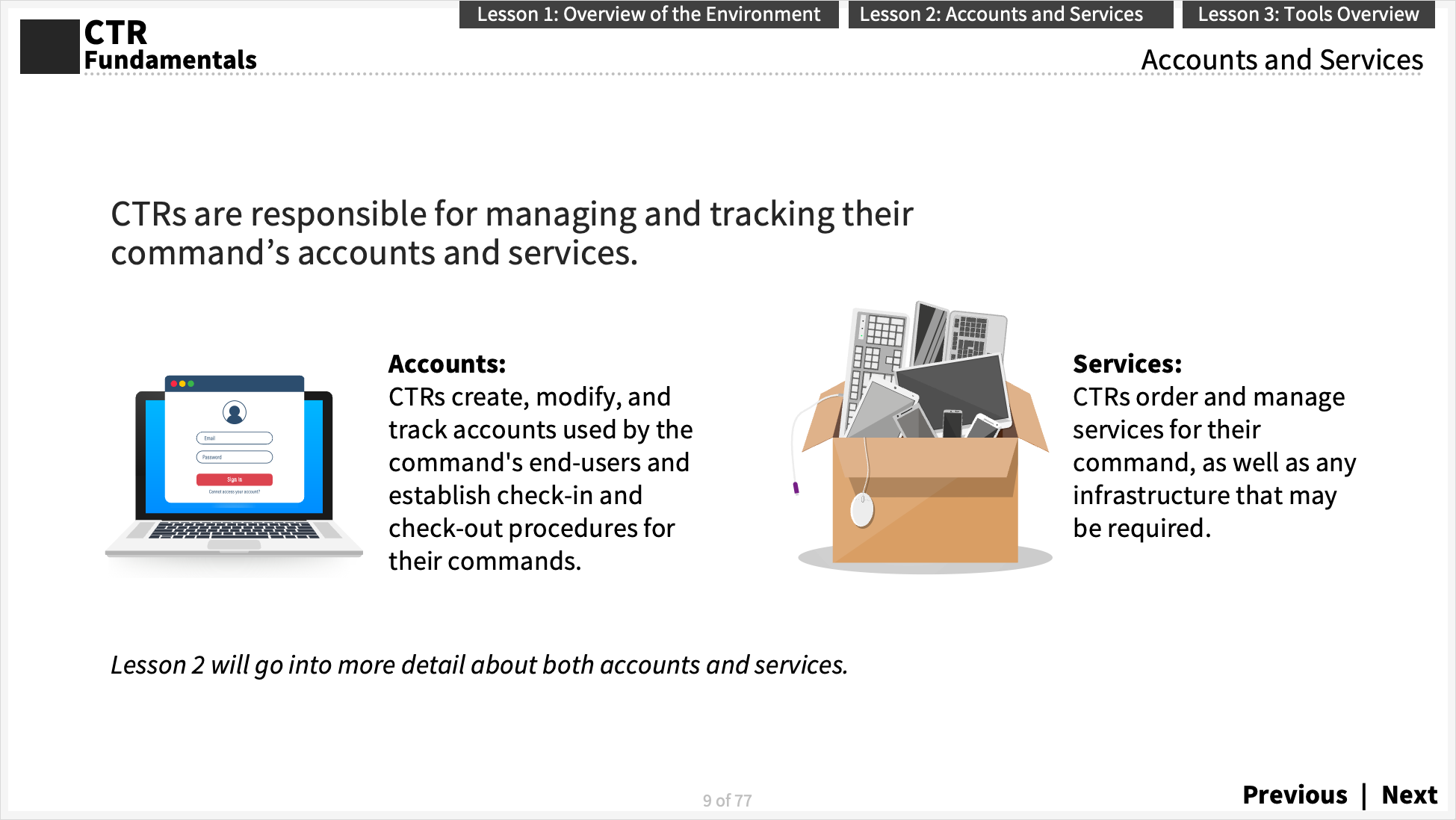
Sample content slide
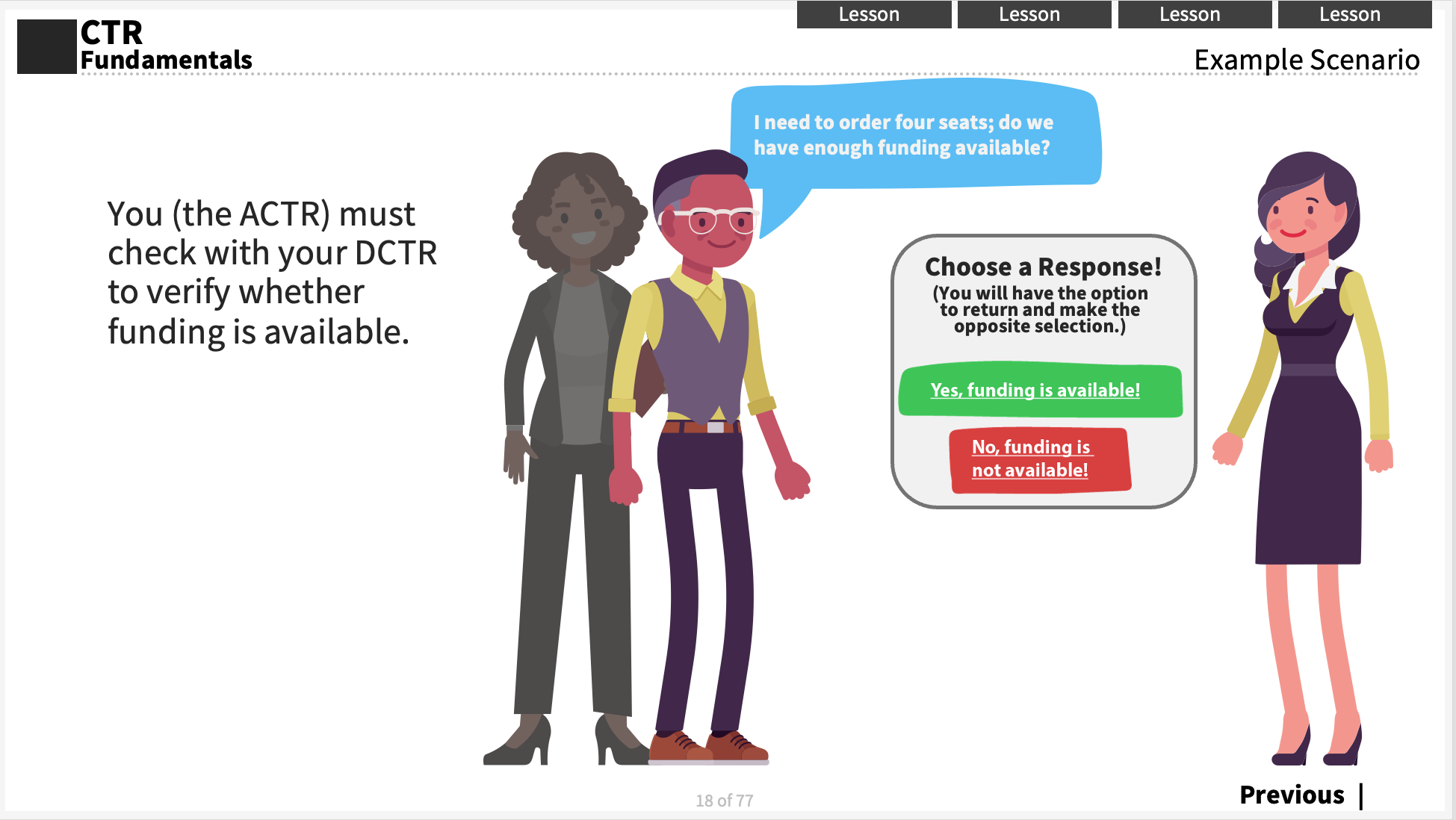
Sample interaction slide - choose your adventure
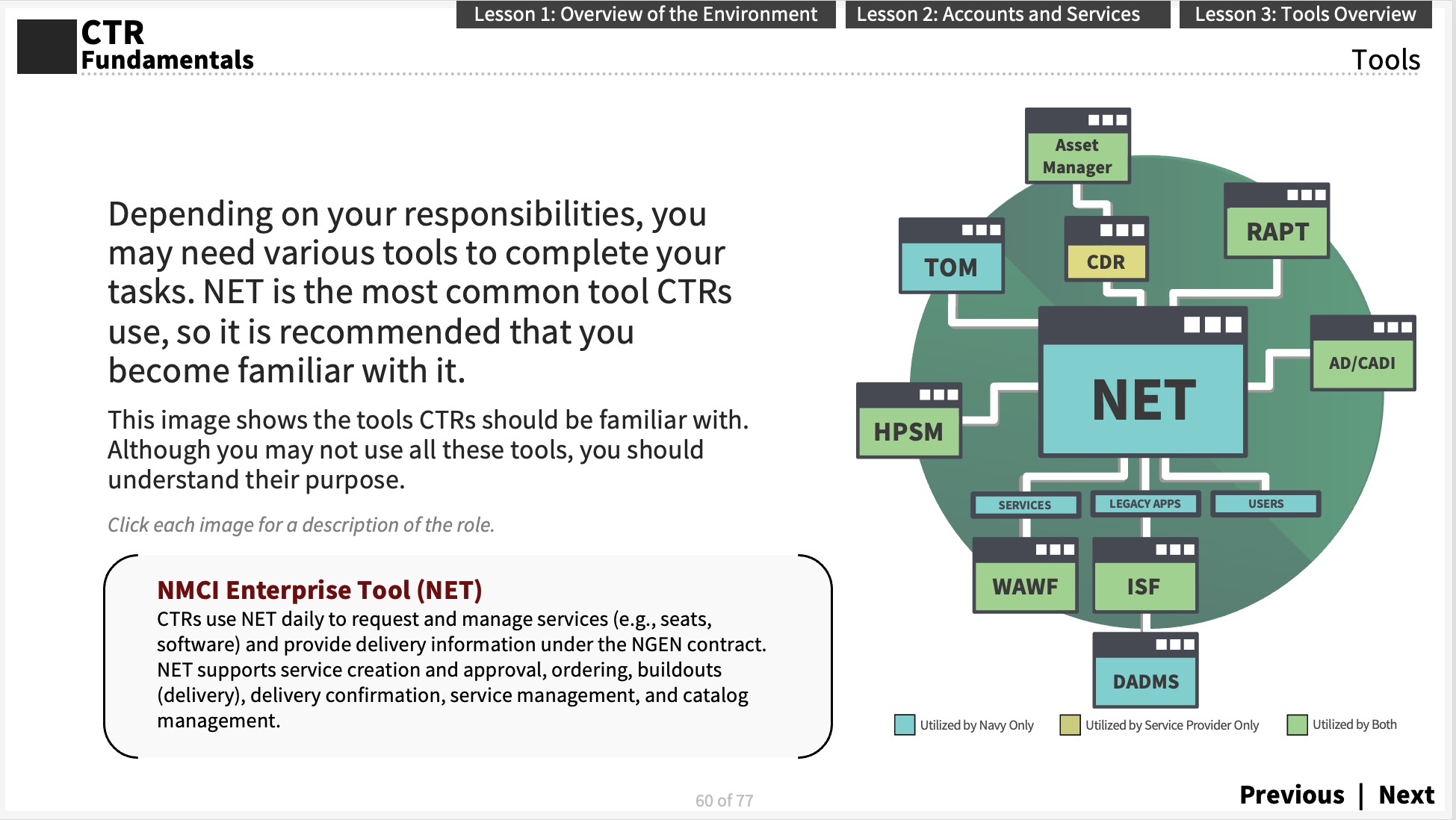
Sample interaction slide - click to learn more
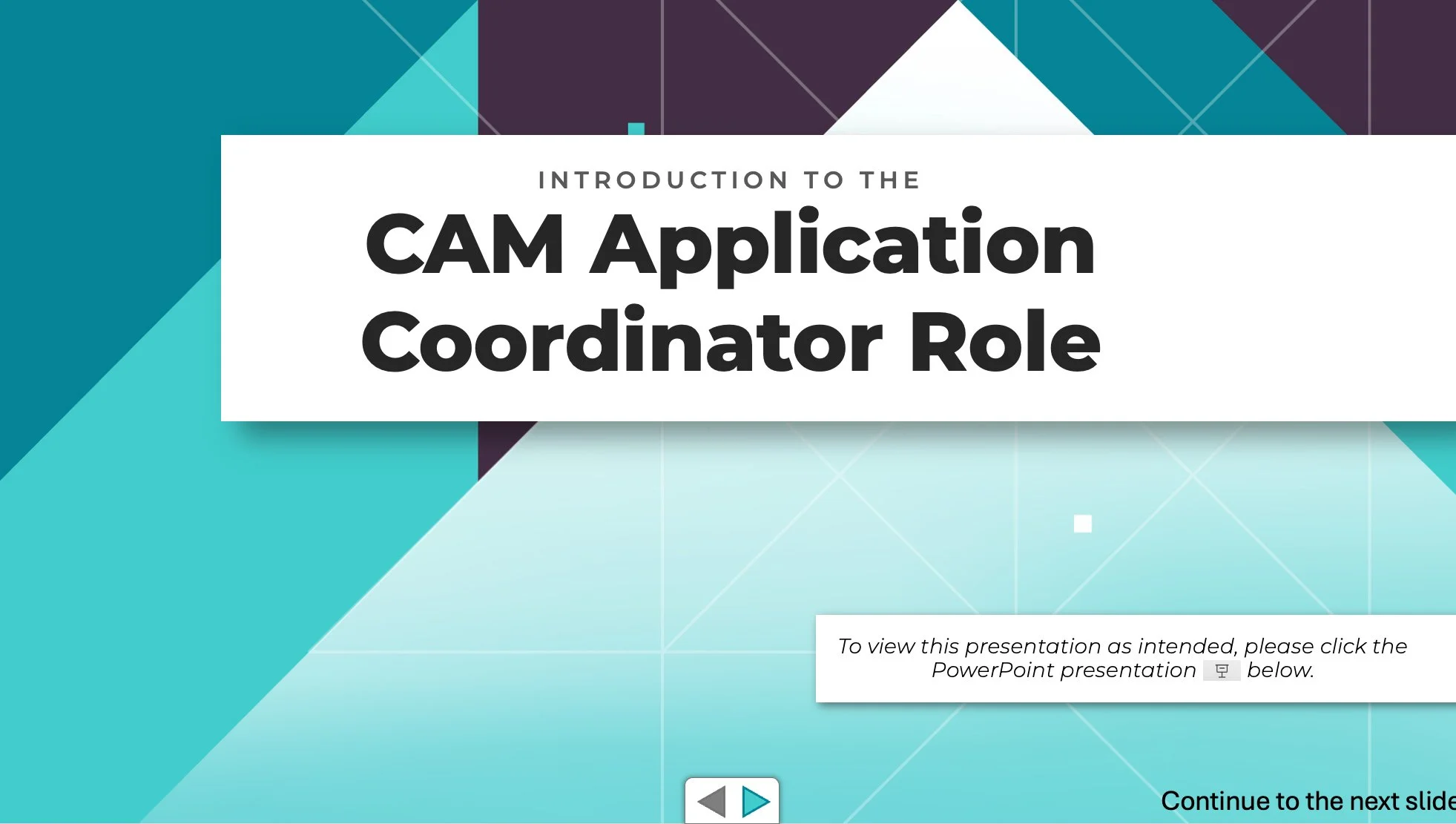
CAM Application Coordinator Role
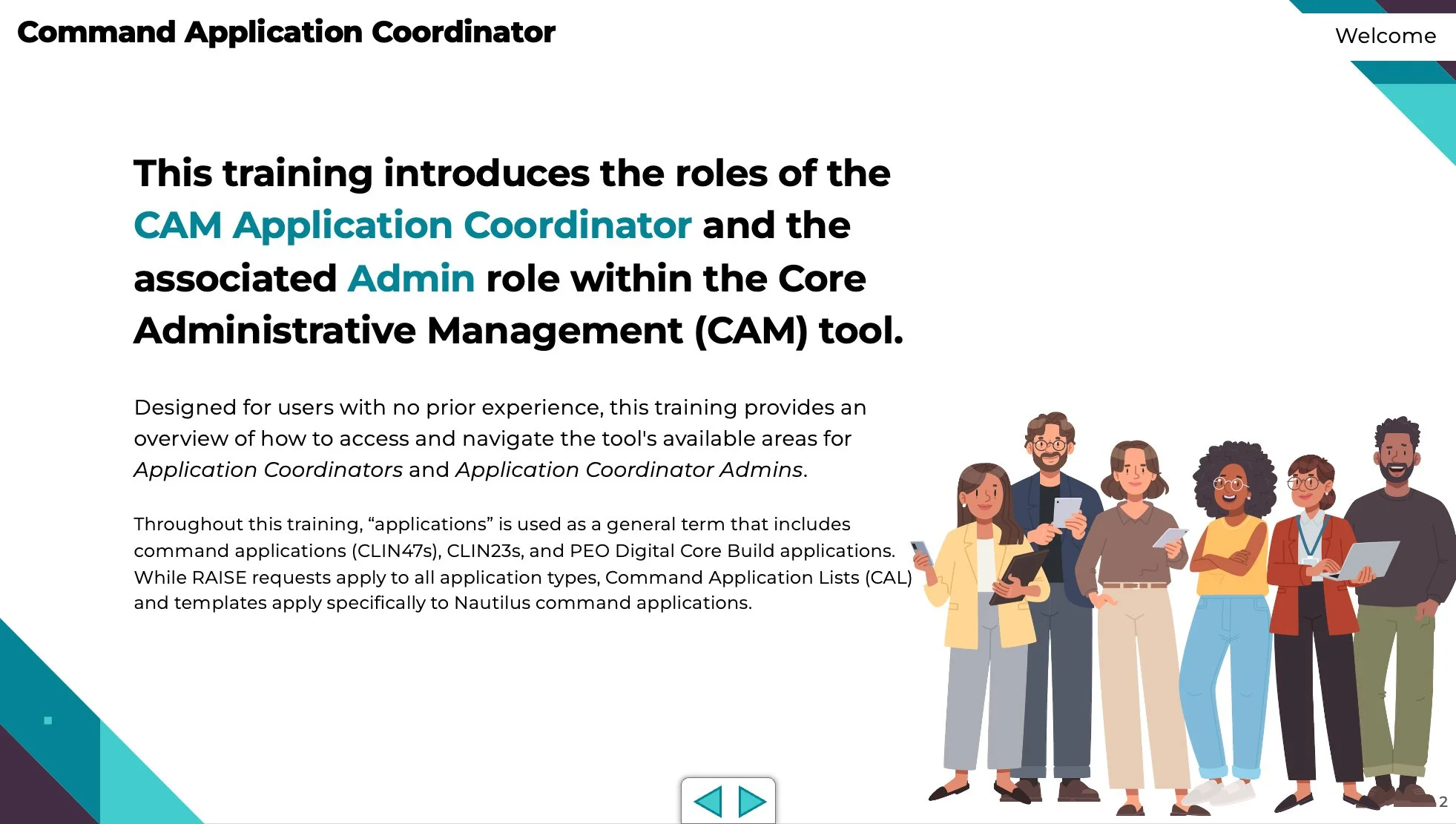
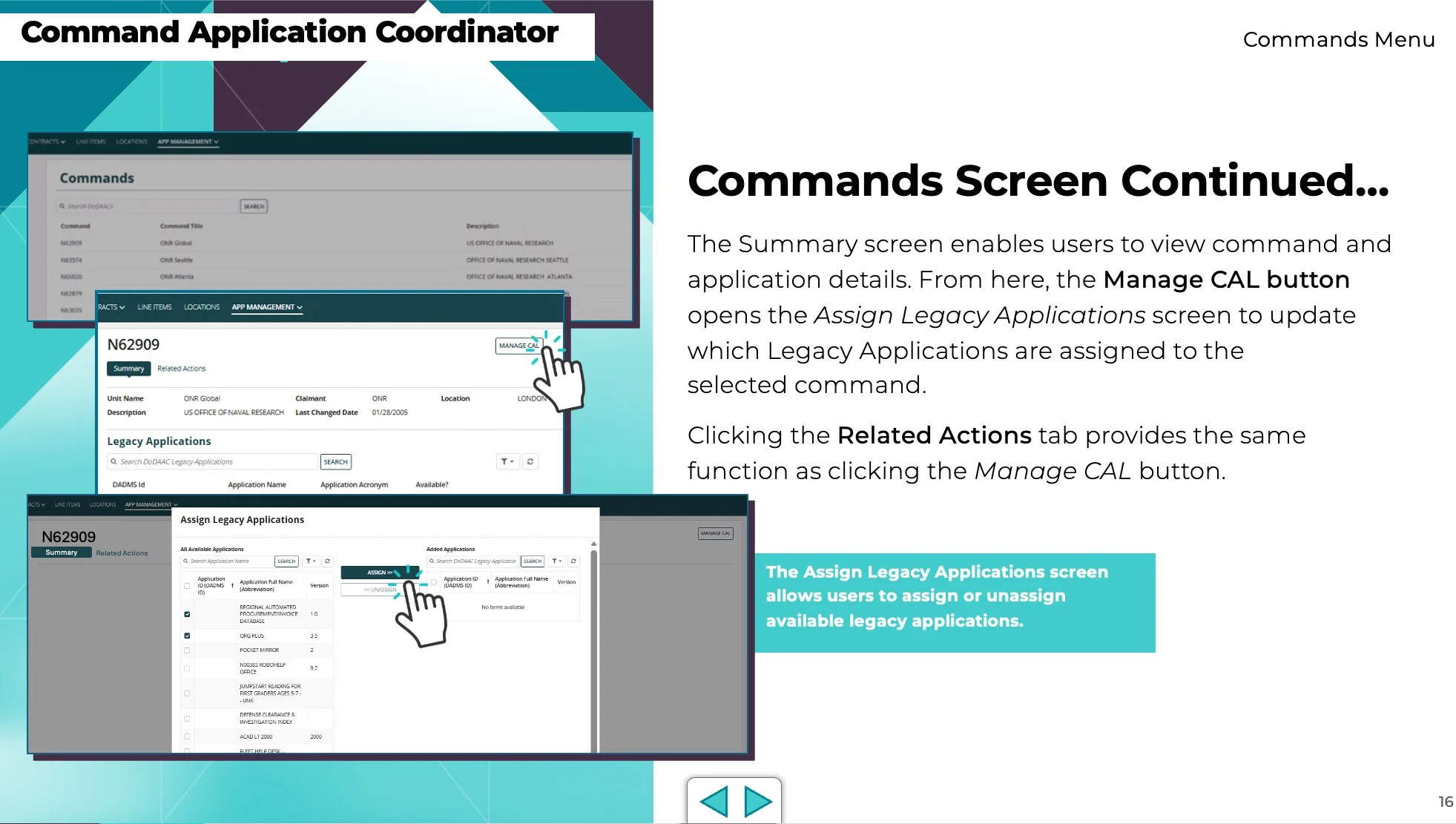
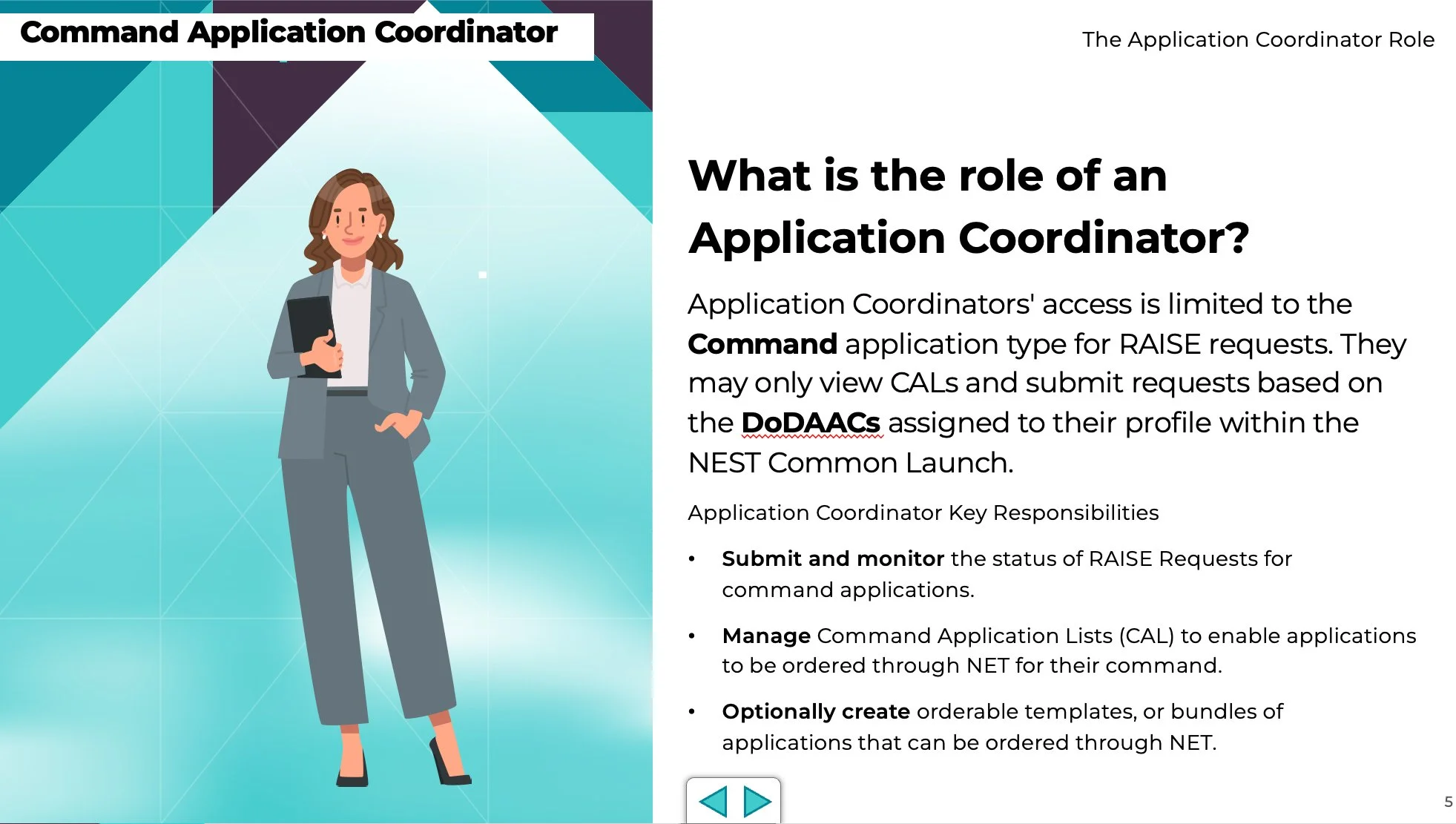
This presentation was developed for new users entering a role and was completed within a two-week timeline. The initial source material was unclear and difficult to follow, so I gathered available content and created a questionnaire to clarify objectives and fill information gaps.
Based on stakeholder responses, I developed a structured training outline and translated the material into clear, easy-to-understand content supported by clean visuals. The presentation was delivered as a self-paced online training, and iterative feedback ensured alignment and client satisfaction.
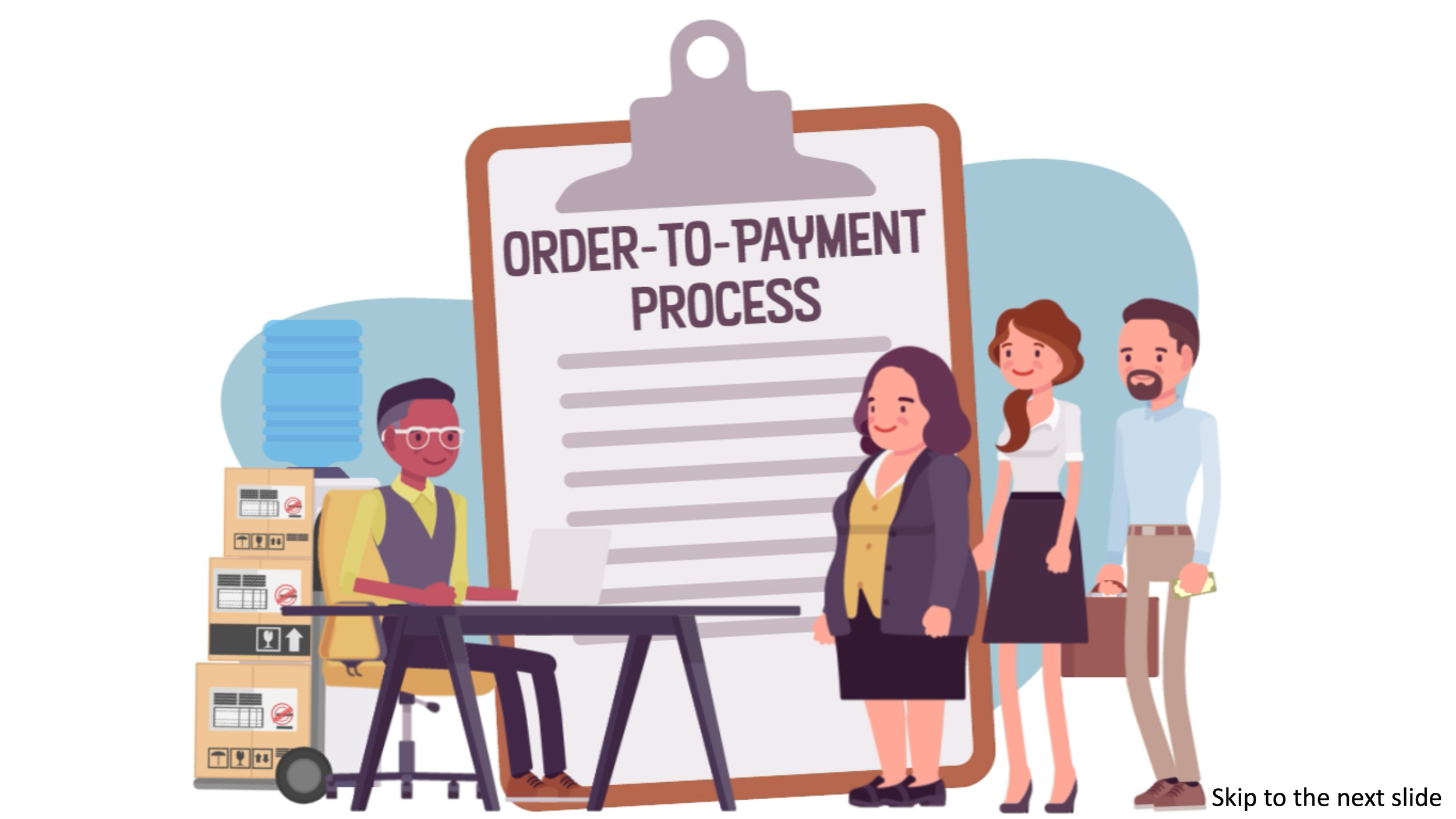
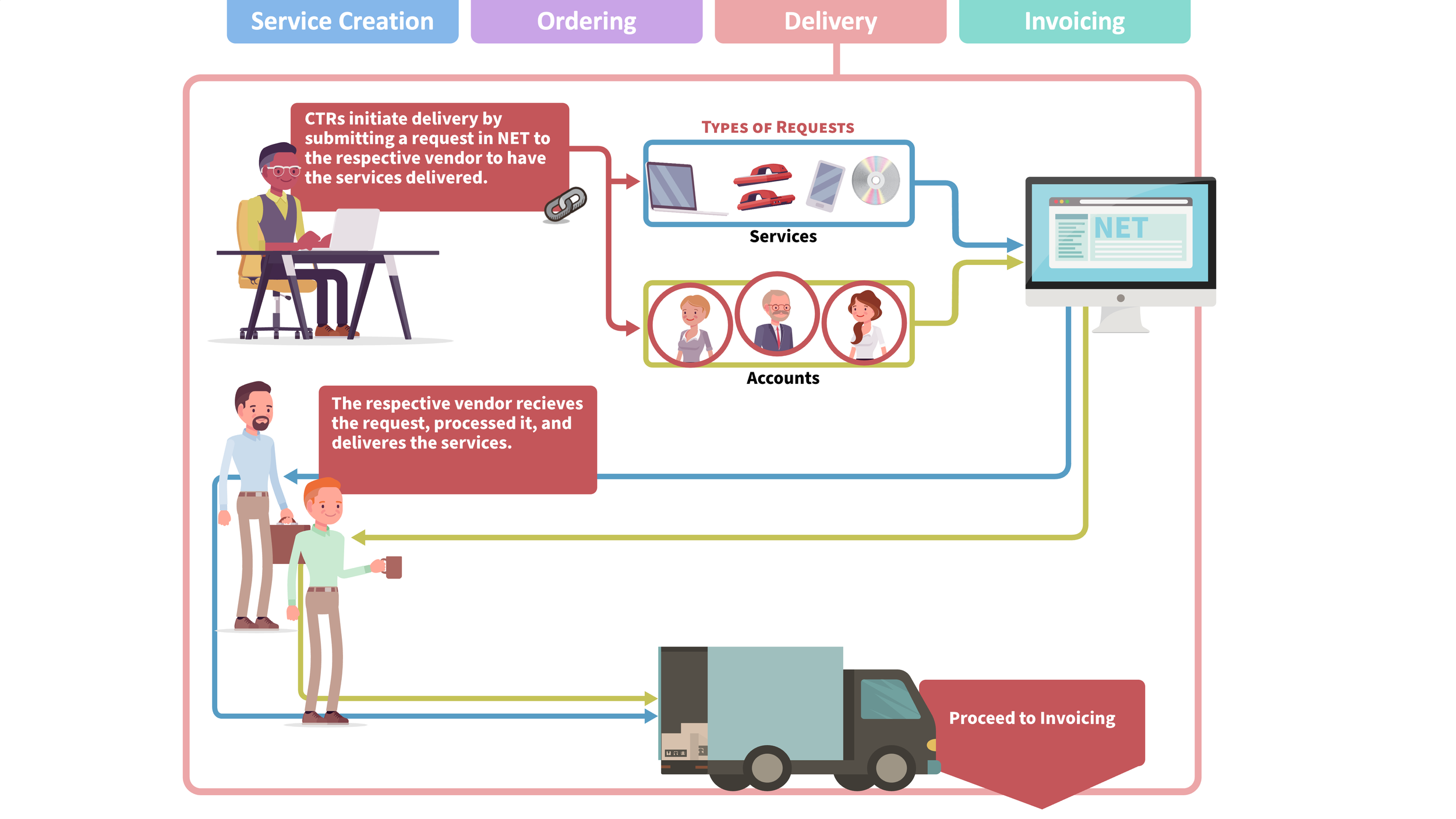
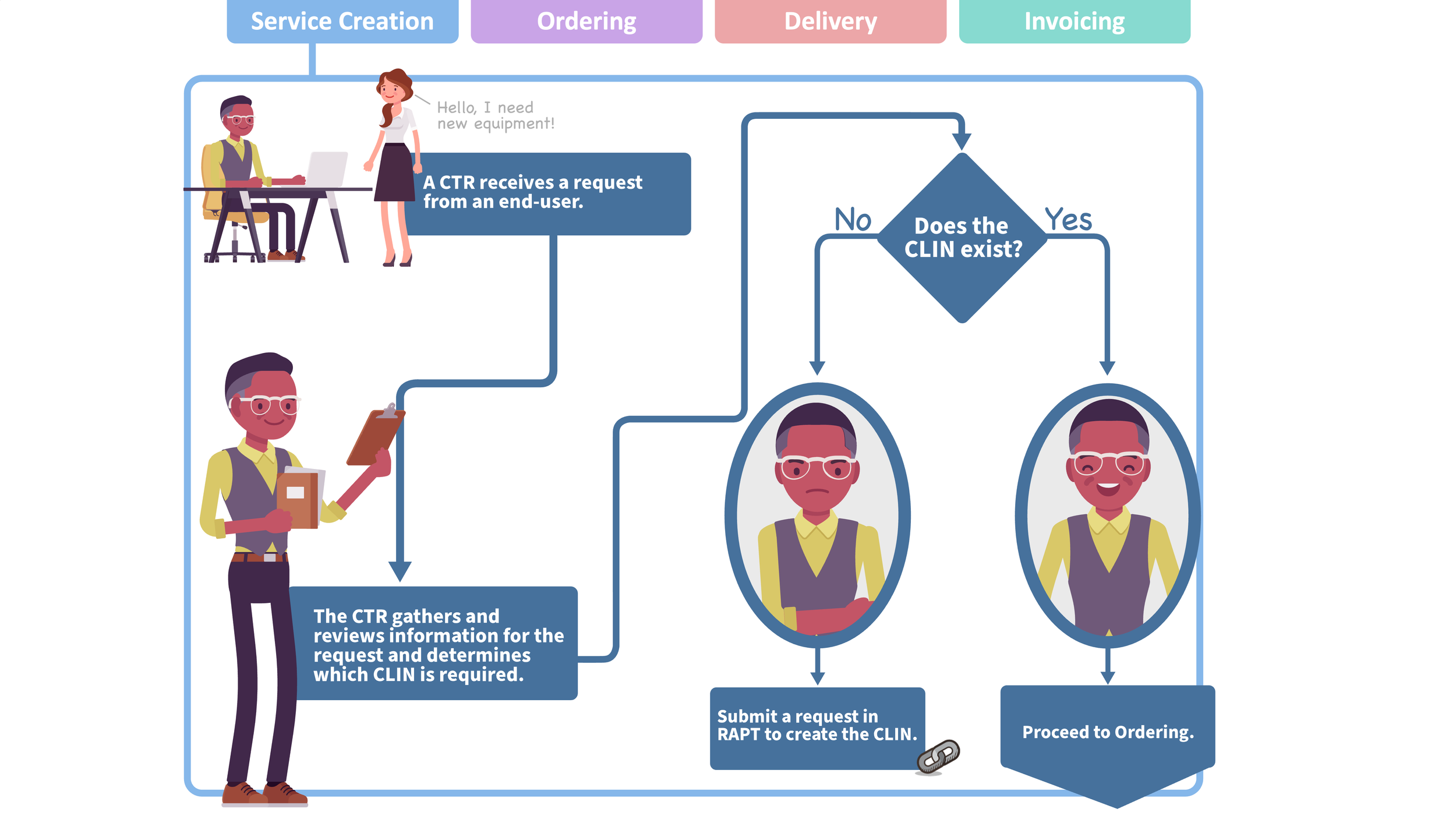
Order-to-Payment Process Presentation
This was another presentation used to onboard new users. The presentation allowed users to jump to different parts of the process and view an animation that outlined the process from ordering service to invoicing. Each section included links to training materials that users could review to better understand the process and complete their tasks.